
WHAT IS RISOGRAPH?
Risograph is a unique method of printmaking that produces vibrant prints with grainy, tactile texture (think: colorful newsprint). Imagine a photocopier that could produce screen prints, and you’ve got a pretty good idea of a risograph duplicator!
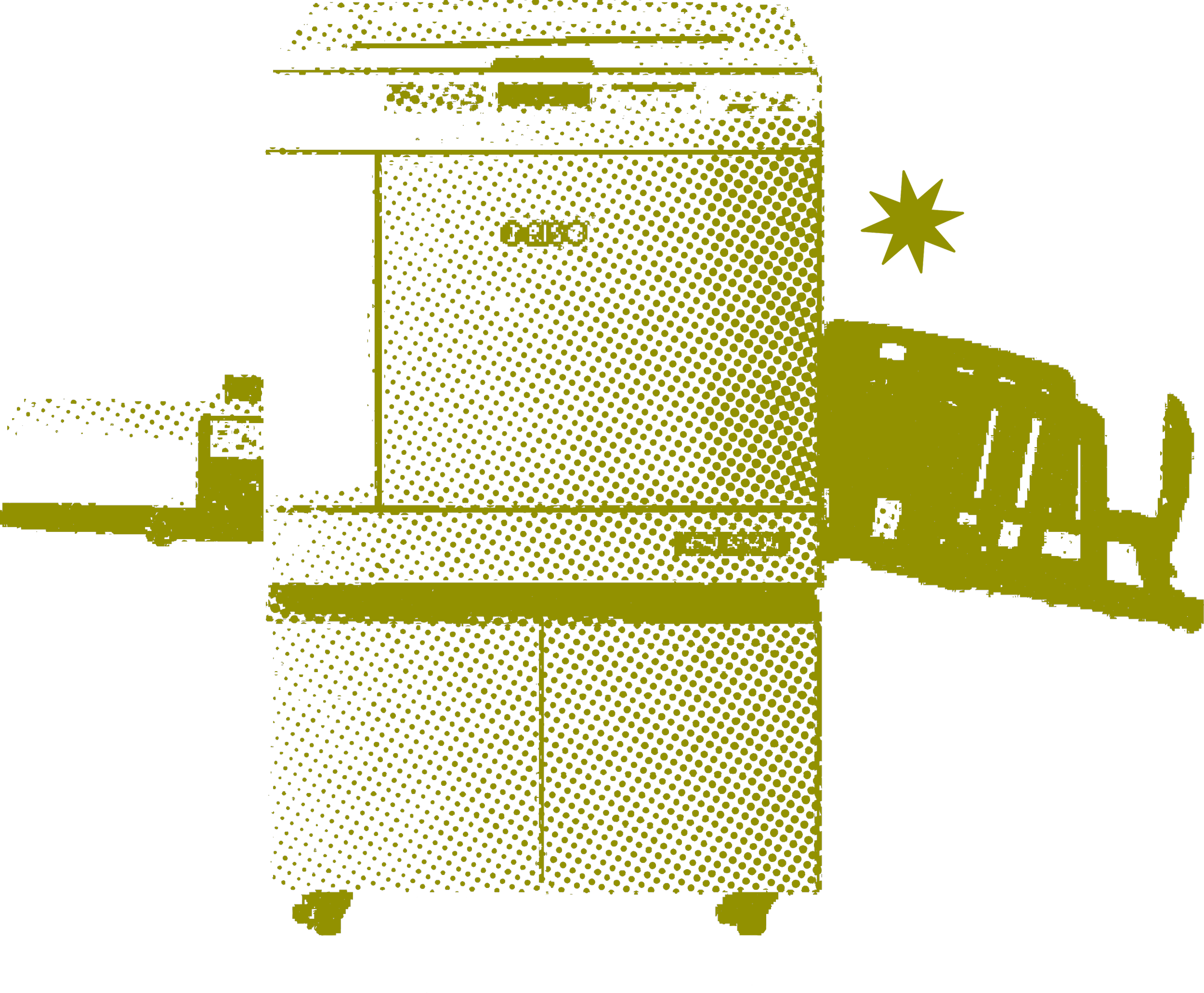
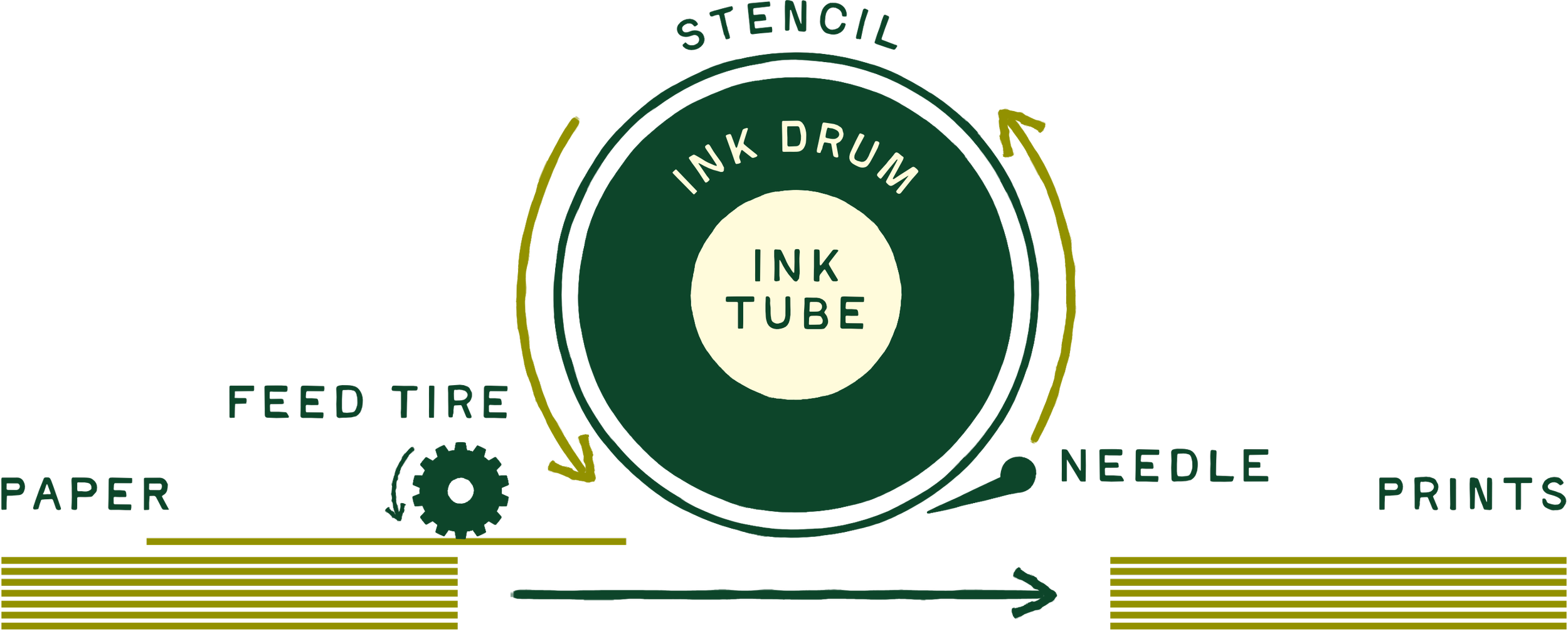
These small but mighty machines convert artwork into stencils that wrap around ink drums inside the printer. Ink is pushed through the drum and stencil and pressed onto paper as it passes through the machine.
Risograph thrives on limited color palettes and does best with 1-4 colors.
Our favorite thing about risograph printing is that it’s environmentally friendly. It uses plant-based inks and 90% less power than similar printing methods. Follow us on Instagram to see our risograph duplicator in action.
CMYK PRINTING
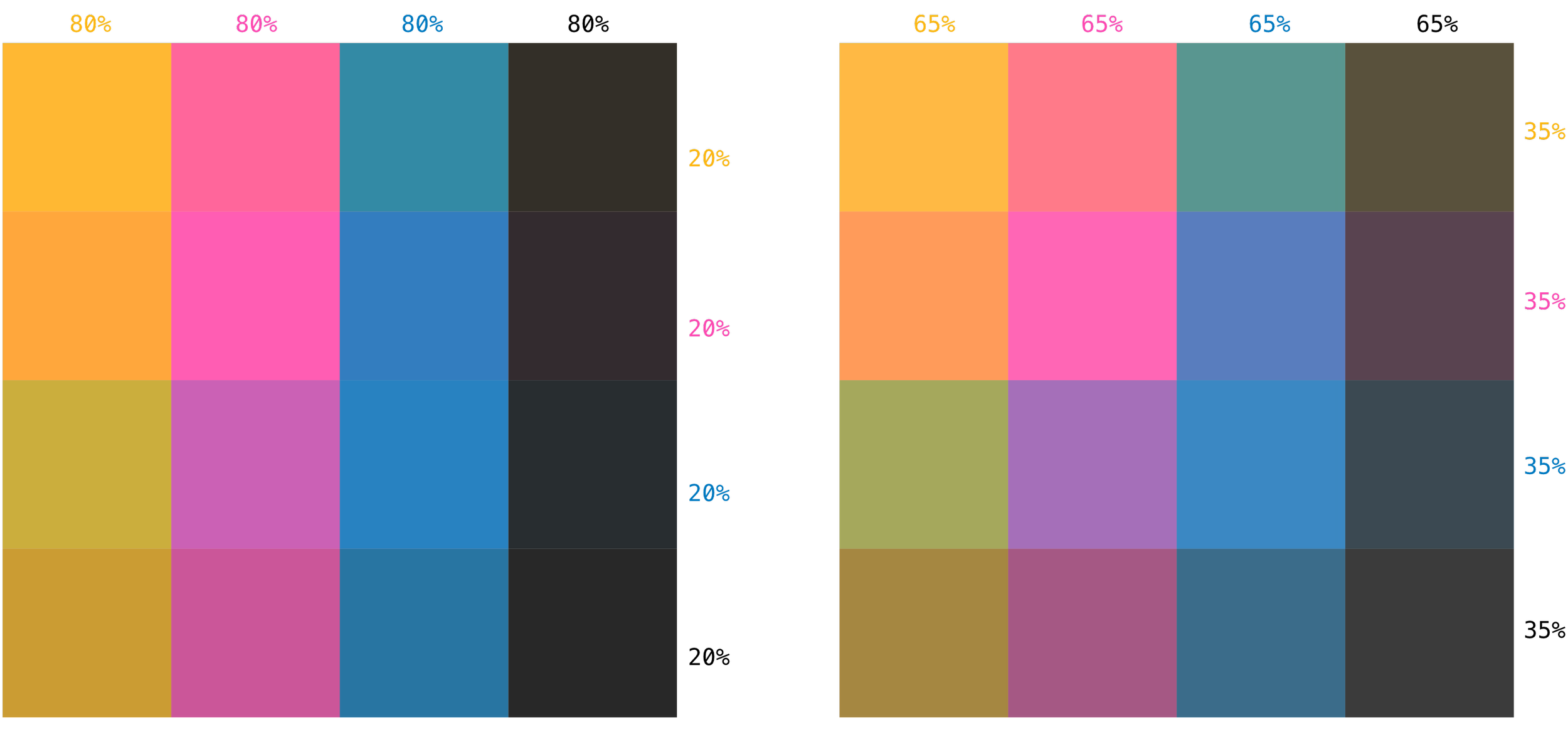
Offset prints with four ink colors: blue, fluorescent pink, sunflower, and black - our very own CMYK color palette.
Printing with these four colors allows you to print with a virtually unlimited color palette because Riso inks are semi-transparent and layer to create new colors.
CMYK FILE PREP resources
-
Spectrolite has options to edit the PSD file type in their settings, including CMYK + Spot Channels.
-
In this tutorial, Kel Belter walks you through her process of separating colors for print in Photoshop.
You only need to watch 00:00-7:10 and 15:59-end for file set-up; the rest is for printing.
If you’re new to this, I recommend watching the tutorial all the way through once, then going back a second time to watch and take notes. There are times when she explains a step before showing it on screen, so it can help to watch twice before assuming you missed something. Replace Yellow with Sunflower (#FFB511) as she talks.
Written instructions from this tutorial are included below.
-
Open your photo in Photoshop
Image > mode > CMYK
Check your Channels Panel; it should include one channel per color (cyan, magenta, yellow, and key/black)
View ‘Cyan’ only > select all > copy > paste in new layer
Reselect your full color image in your layers panel
Go back to Channels Panel
View ‘Magenta’ only > select all > copy > paste in new layer
Repeat steps x-x for Yellow (sunflower) and Black
If you want to only print three colors (blue, fluo. pink, and sunflower) without black and need to add some contrast:
Duplicate the Black layer so you have three total.
Put one Black layer above each color and set the blending mode to ‘Multiply’ (only change the blending mode for Black)
Group each color + its Black layer together
You should have three groups: one includes pink and black, one with blue and black, one with yellow and black.
Hide all but one color/group, export one file for each color.
If you don’t have access to design software, we can handle CMYK separations for you.
HALFTONES
Part of the Risograph appeal is its signature grainy, lived-in look. The amount of grain will differ depending on the exact halftone translation. If you’re printing finely detailed work or photography, be sure to create your original design with a halftone screen. Still have questions? Reach out to us to set up a consultation!
RISO QUIRKS:
COVERAGE, SMUDGING, & TRANSFER
Areas of artwork that include large fields of color may result in uneven coverage. For best results, we recommend bumping the opacity of these large fields of color to 90%.
Risograph inks are non-archival, behave similarly to newspaper ink, and can smudge if pressure is applied. More ink = higher possibility of smudging.
While Risograph prints are less likely to smudge the longer they dry, it’s always a possibility. Smudging and transfer is more of a concern for us while printing and for you when your prints first arrive. Handle them carefully by the edges, and you’ll be fine!
Over time, ink can still transfer to your fingers if you rub your art print, but will be less likely to smear on the page itself. Smudges can easily be removed with a white eraser.
ROLLER MARKS
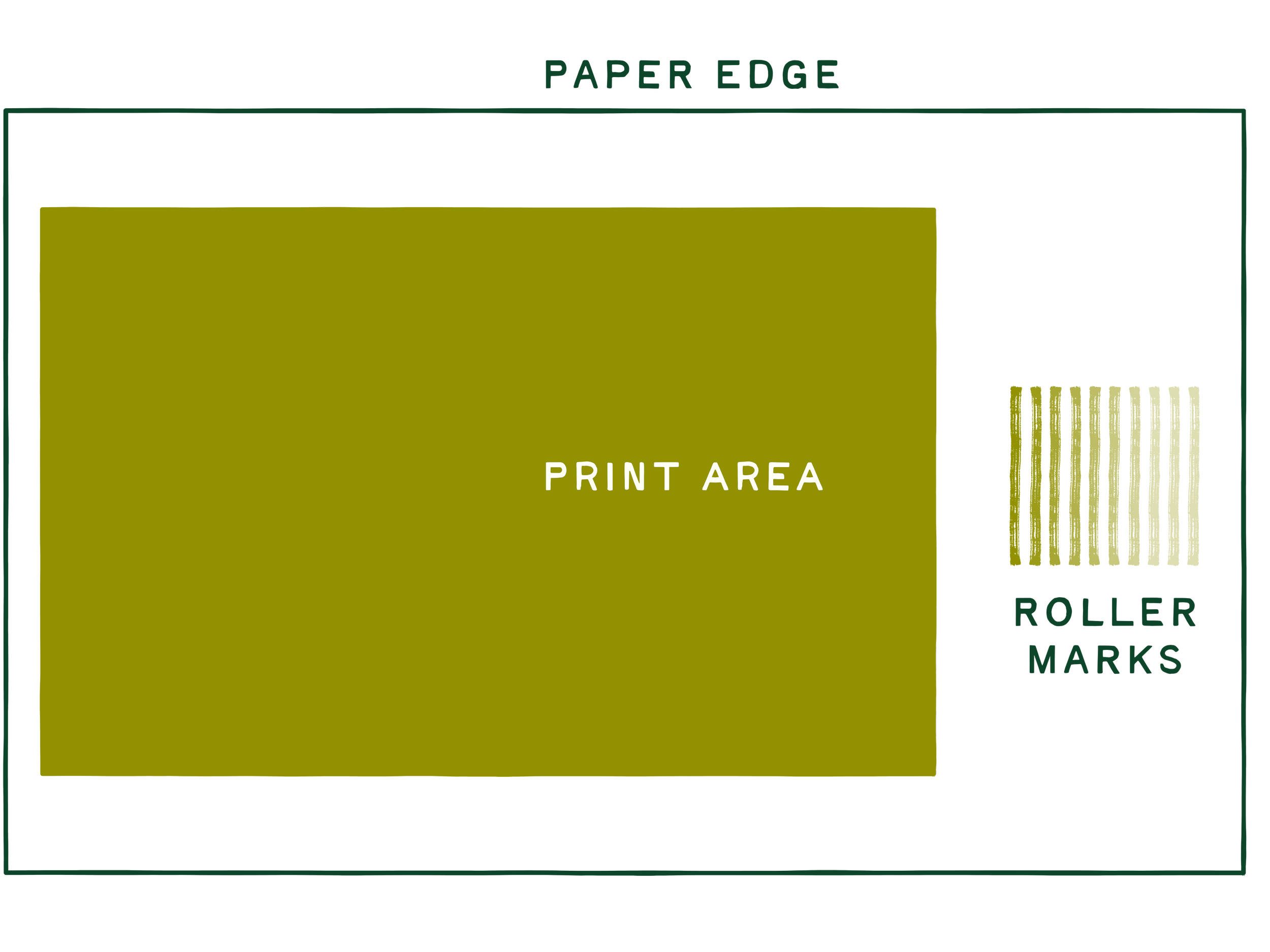
Paper is fed through the Risograph with a rubber wheel, which applies pressure to the page. Fresh ink may leave a “roller mark” at the bottom center of a print, and it happens most often when a print utilizes dense ink coverage close to the paper feed edge. These marks can almost always be removed with an eraser.
MISREGISTRATION
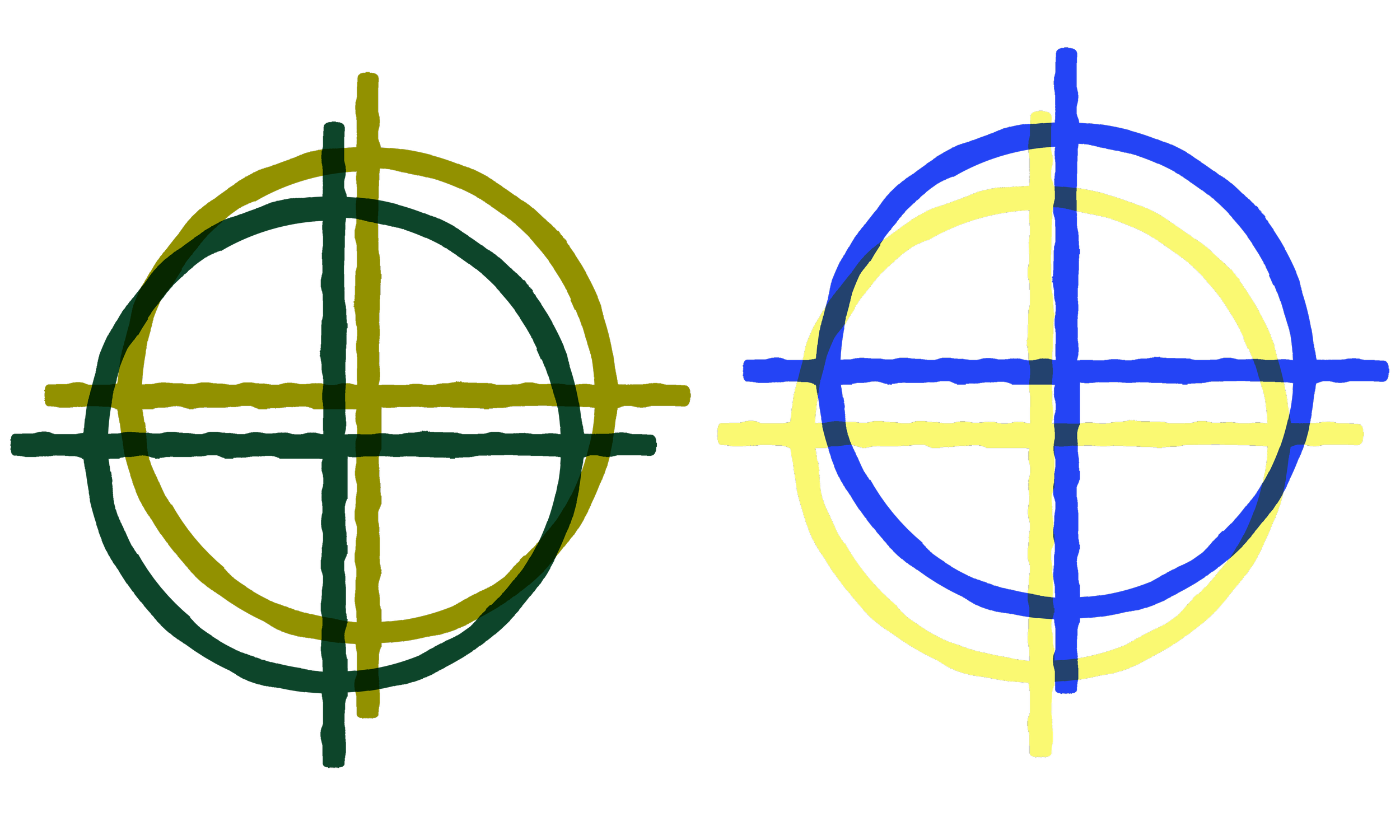
The nature of Risograph is highly individualized and therefore slightly imperfect. Some misregistration is likely to happen in every project, with up to 5mm shifts between prints. The more ink colors you use, the more likely your print will have some misregistration.
It’s one of risograph’s defining quirks, and we encourage you to embrace the offset!